Mastering Image to Text Technology
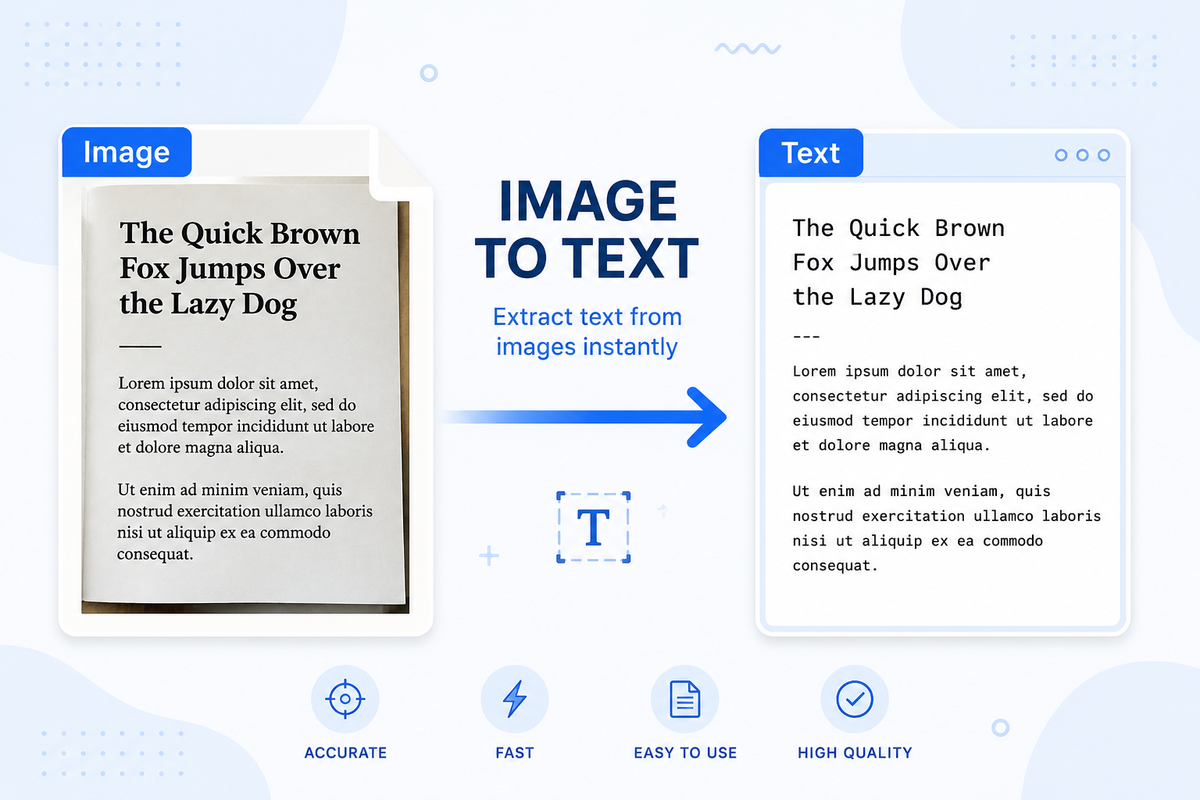
Introduction: The Power of Converting Images to Text
Every day, billions of images containing valuable text information are captured but remain trapped in non-editable formats. Optical character recognition (OCR) technology bridges this gap by transforming static images into editable plain text. This transformation isn't merely convenient—it's revolutionizing information accessibility across industries. Recent studies show that businesses implementing OCR solutions reduce document processing time by up to 80% and cut operational costs by 35%. As digital transformation accelerates, the ability to extract text from images has become essential for organizations seeking to automate workflows and unlock data previously isolated in visual formats.
Understanding Image to Text Technology
Optical character recognition represents the technological bridge between the visual world of images and the digital realm of editable text. At its core, OCR analyzes the patterns of light and dark in an image to identify characters and convert them into machine-readable code. This technology has evolved dramatically from its early days of simple pattern matching to today's sophisticated AI-driven systems that can handle complex documents with remarkable accuracy.
Modern OCR systems employ digital image processing techniques that enhance images before recognition begins. These preprocessing steps—including noise reduction, deskewing, and binarization—significantly improve recognition accuracy. The technology now integrates machine learning algorithms that continuously improve performance through exposure to diverse document types.
How OCR and Image Recognition Work Together
The journey from image to text follows a sophisticated sequence where digital image processing and OCR work in tandem. First, preprocessing techniques optimize the image by correcting orientation, removing noise, and enhancing contrast. The image is then segmented to identify regions containing text, separating them from graphics or background elements.
Character recognition follows, where the system analyzes each letter's unique features and compares them against trained models. This process involves complex algorithms that identify distinctive patterns in each character's shape. Modern systems use convolutional neural networks that can recognize characters even when they appear in various fonts, sizes, or with slight distortions—capabilities that were unimaginable in early OCR implementations.
Top Image to Text Converters and Tools
The market offers diverse OCR tools ranging from specialized enterprise solutions to accessible consumer applications. When selecting an appropriate tool, understanding the differentiating features is essential for achieving optimal results. Leading solutions distinguish themselves through accuracy rates, language support, and integration capabilities.
Google Cloud Vision API stands out for its enterprise-grade accuracy (98%+ on clear text) and integration options that allow developers to embed OCR functionality into custom applications. For desktop users, ABBYY FineReader offers comprehensive document conversion with superior table recognition and format preservation. Microsoft OneNote provides free OCR capabilities for Office 365 subscribers, though with more limited format support.
For mobile applications, Google Lens offers real-time OCR capabilities with exceptional accuracy for on-the-go text extraction. Meanwhile, Amazon Textract excels at extracting structured data from forms and tables using advanced machine learning algorithms and offering API access for automation workflows.
| Tool | Best For | Accuracy | Languages | Key Feature |
| Google Cloud Vision | Enterprise integration | 98%+ | 50+ | API flexibility |
| ABBYY FineReader | Document conversion | 99%+ | 192 | Format preservation |
| Tesseract | Developers | 95%+ | 100+ | Open-source customization |
| Image to Text Converter | Home users | 97%+ | 46 | Online service |
| Amazon Textract | Forms processing | 96%+ | English-focused | Table extraction |
Free vs. Paid Options: What You Really Get
Free OCR tools provide basic functionality but come with significant limitations that impact productivity for regular users. Tools like Google Keep and Microsoft OneNote offer free text extraction from images but restrict batch processing and often deliver lower accuracy rates (typically 85-90% compared to 98%+ from premium options).
Paid solutions justify their cost through expanded capabilities: processing multi-page documents, handling batch conversions, preserving complex formatting, and offering higher accuracy rates. For businesses, the ROI becomes clear when considering labor costs—organizations processing 1,000 documents monthly report average savings of $3,600 after implementing premium OCR tools, with payback periods under four months.
Free tools often lack critical features like table recognition, form field identification, and searchable PDF output. For occasional personal use, these limitations might be acceptable, but professional environments typically require the enhanced capabilities of paid solutions.
Supported Formats and Language Capabilities
Format compatibility varies significantly across OCR solutions. Most tools handle standard image file formats (JPEG, PNG, TIFF), but support for specialized formats differs. High-end solutions process multi-page TIFFs and PDFs as single documents, while basic tools may require splitting these into individual images.
PDF processing capabilities are particularly important, as this format represents approximately 68% of all documents processed through OCR systems. Leading tools can handle both image-based PDFs and hybrid PDFs containing both images and digital text layers.
Language support represents another critical differentiator. Enterprise-grade tools typically support 100+ languages, including those with non-Latin alphabets and right-to-left scripts. This multilingual capability is essential for global operations but often limited in free alternatives that may support only 5-10 major languages.
Troubleshooting Common OCR Problems
Even with optimal preparation, OCR processes sometimes produce errors that require systematic troubleshooting. Character confusion—where similar characters like "0" and "O" or "1" and "l" are misidentified—accounts for approximately 35% of OCR errors. These issues often stem from font characteristics or image resolution limitations.
Text fragmentation occurs when OCR incorrectly splits or joins words, particularly in documents with unusual spacing or kerning. This problem affects approximately 25% of processed documents with non-standard layouts. Layout recognition failures happen when multi-column text is processed as a single column, creating nonsensical text flows.
When troubleshooting, examine the original image quality first—approximately 60% of OCR errors trace back to image quality issues rather than recognition algorithm problems. Check for adequate resolution (below 200 DPI typically causes problems), proper contrast, and clear character definition. For persistent errors, try alternative OCR engines, as different algorithms have varying success rates with particular fonts and layouts.
Enhancing Results with Post-Processing
Post-processing significantly improves raw OCR output. Dictionary-based correction compares extracted words against language dictionaries, automatically correcting common errors. This approach typically resolves 40-50% of character-level mistakes in standard business documents.
Context-aware correction analyzes word relationships to identify errors that dictionary checks miss. For example, "sales growtb" might pass a dictionary check if "growtb" is processed as a proper noun, but contextual analysis would flag and correct it to "sales growth" based on common word pairings.
For specialized content, custom dictionaries containing industry-specific terminology dramatically improve accuracy. Organizations that implement domain-specific dictionaries report 25-30% fewer errors in technical documents. The final text file should undergo human review for critical documents, focusing particularly on numbers, dates, and proper nouns—elements where errors can have significant consequences.
The Future of Image to Text Technology
OCR technology continues to evolve rapidly, with several key developments emerging from current research. Neural networks with attention mechanisms now recognize context and relationships between text elements, dramatically improving accuracy for complex layouts. These systems achieve 99%+ accuracy on standard documents—approaching perfect recognition for clear text.
Multilingual capabilities are expanding through transfer learning techniques, where systems trained on well-documented languages can apply that knowledge to languages with fewer training examples. This approach has enabled support for regional languages and dialects that were previously unsupported due to limited training data.
Real-time OCR processing has advanced through hardware optimization and algorithm efficiency improvements. Mobile devices now perform complex OCR tasks locally without cloud connectivity—a capability that required server-class hardware just five years ago. These advancements enable new applications in augmented reality, where text in the physical world can be instantly recognized, translated, or enhanced.
Frequently Asked Questions
What is an image to text converter?
An image to text converter is software that uses optical character recognition (OCR) technology to analyze images containing text and convert the visual characters into editable plain text. These tools identify patterns in the image that correspond to letters, numbers, and symbols, then output them as digital text you can edit, search, and process.
How do I convert an image to text?
Upload your image to an OCR tool like Google Drive or another Image to Text converter. The software will process the image and extract text. For best results, ensure your image is clear, well-lit, and has good contrast. After processing, you can typically copy the extracted text or save it as a document file.
Is there a free image to text converter?
Yes, several free options exist. Google Docs automatically offers OCR when you upload images. Microsoft OneNote includes basic OCR capabilities. Online tools like Free OCR and OnlineOCR.net provide free conversion with daily limits. For open-source options, Tesseract offers powerful conversion but requires technical setup.
What image formats are supported by image to text converters?
Most OCR tools support common image formats including JPEG, PNG, TIFF, BMP, and GIF. Many also process PDF files containing scanned images. Premium tools typically handle a wider range of formats and can process multi-page documents. Image quality affects recognition more significantly than file format.
How accurate are image to text converters?
Accuracy varies based on image quality and OCR software. With clear, high-resolution images, modern OCR achieves 98-99% accuracy for printed text. Handwriting recognition typically reaches 80-90% accuracy. Factors affecting accuracy include image resolution, contrast, font style, and document complexity. Post-processing can significantly improve raw OCR results.
Can image to text converters handle handwritten notes?
Yes, but with limitations. Modern OCR can process neat, consistent handwriting with 70-85% accuracy. Results vary significantly based on writing style, pen type, and paper background. Print-like handwriting yields better results than cursive. For critical documents, human verification remains necessary, especially for numbers and proper nouns.
What is OCR technology and how does it work for image to text conversion?
OCR (Optical Character Recognition) technology analyzes the visual patterns in an image to identify text characters. Modern OCR uses neural networks trained on millions of text samples. The process includes image preprocessing to enhance quality, text detection to locate character regions, and character recognition to convert visual patterns into digital text codes.
